
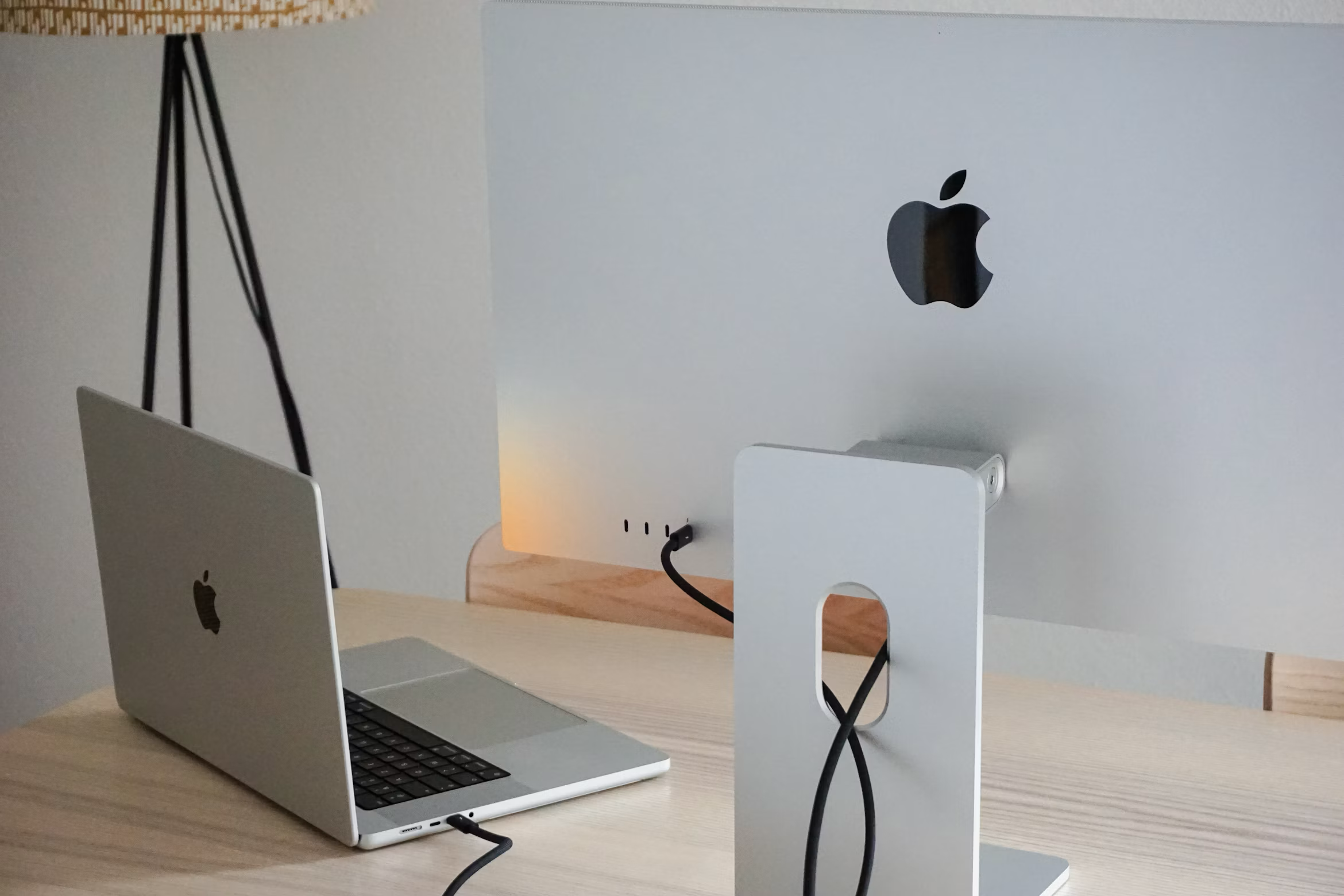
A small home office gets visually cluttered fast, and cables are usually the biggest culprit — a tangle of charging cords, monitor cables, and power strips can make even a well-organized desk look chaotic. The good news is cable management is one of the cheapest, fastest wins in home office organization. Here’s how to tackle it.
This post may contain affiliate links.
Why Cable Clutter Matters More in Small Spaces
In a larger office, a messy tangle of cords behind a desk is easy to ignore — there’s room to just not look at it. In a small home office, that same tangle is often in your direct line of sight, or worse, in the middle of a room that also functions as a bedroom or living space. Cleaning up cables isn’t just cosmetic here — it directly affects how usable and calm the whole room feels.
Start With a Cable Audit
Before buying organizing products, unplug everything and ask: do I actually need this cable, charger, or adapter anymore? Old phone chargers, cables for devices you no longer own, and duplicate cords are common clutter that doesn’t need to be organized — it needs to be removed.
Hide the Power Strip and Bulk Cables
The single biggest visual improvement usually comes from containing your power strip and the mass of cords plugged into it. A cable management box does exactly this — it’s an enclosed container that holds a power strip and all its cords, with just one or two cables exiting to reach your outlet and devices. This alone can transform a visibly messy desk area into a clean one.
Route Individual Cables Along the Desk
Once the bulk cord mass is contained, individual cables running to your keyboard, mouse, monitor, or phone charger still need a path. Adhesive cable clips stuck to the underside or back edge of your desk let you route these cables exactly where you want them, keeping them off the floor and out of the way without any drilling or permanent changes — ideal for renters or anyone who doesn’t want to commit to a bigger under-desk system.
Label as You Go
In a small office, you’re often dealing with more than one similar-looking cable (multiple USB-C cords, several black power adapters). A simple label maker or even masking tape and a marker on each cable near the plug end saves real time later when you need to identify or unplug something specific.
Vertical and Under-Desk Options
If you have more cables than a simple clip system can handle:
- Under-desk cable trays mount to the underside of the desk and catch cables in a contained channel, keeping them fully out of sight
- Cable sleeves (fabric or plastic tubes that bundle multiple cords into one wrapped unit) work well for runs that need to travel a longer distance, like from a desk to a wall outlet across the room
Quick Reference: Cable Fixes by Problem
| Problem | Fix |
|---|---|
| Messy power strip and bulk cords | Cable management box |
| Loose cables crossing the desk | Adhesive cable clips |
| Long cable runs across the room | Cable sleeve |
| Can’t tell cables apart | Labels near the plug end |
Frequently Asked Questions
Do cable management boxes cause overheating for power strips? Most are designed with ventilation openings specifically to avoid this, but it’s worth avoiding fully sealing in high-wattage devices — check the product’s ventilation design if you’re running something like a space heater or multiple chargers at once.
What’s the fastest single fix for a cluttered desk setup? A cable management box for the power strip usually delivers the most visible improvement for the least effort, since it hides the densest tangle of cords in one step.
Are adhesive cable clips strong enough to stay put long-term? Quality ones with real adhesive backing hold well for typical desk cable weight, though very heavy cables (like thick monitor power cords) may need a stronger mount than a basic adhesive clip.
Looking for more small-space organization ideas? Check out our guide on vertical storage solutions for more ways to utilize your existing space or get our free Small-Space Storage Checklist — a room-by-room guide to make the most of your space below.